360° Product View for Jewelry: Free Viewers for Your Website or Shopify Store
A spin or a live 3D model? Which free viewer takes your CAD file, which needs a GLB, what each free plan limits, and how to add a 3D model to a Shopify product.
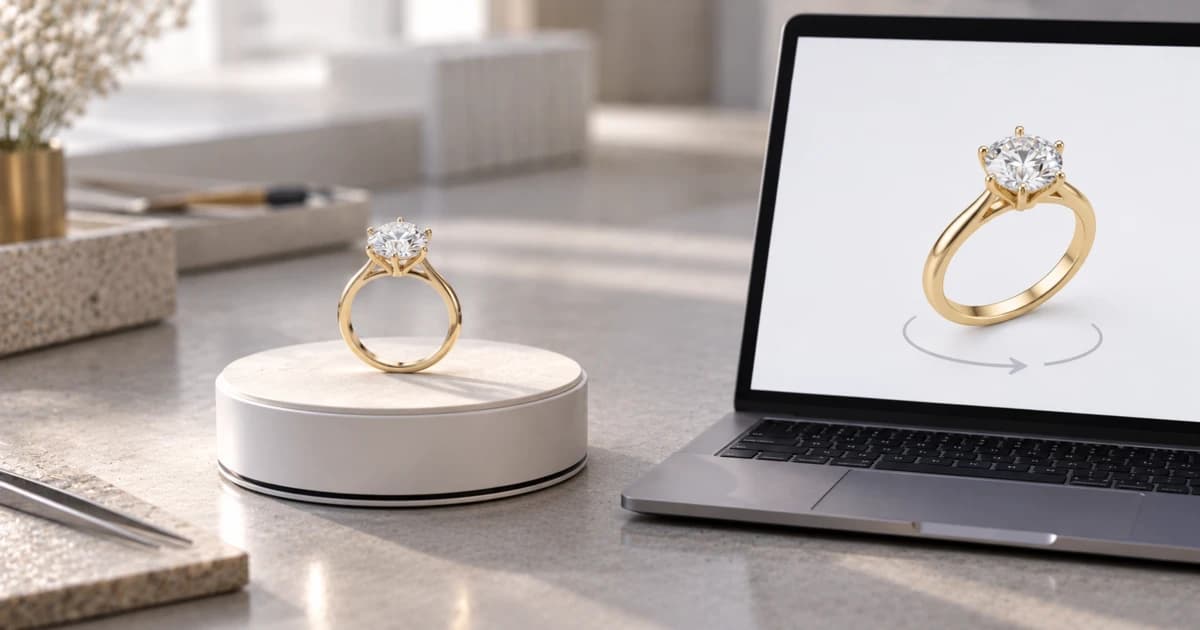
A free 360° product view for jewelry comes in two kinds: a spin made of fixed frames, or a live 3D model the shopper turns in the browser. Shopify shows a 3D model in a product's media, Google's open-source model-viewer puts one on any page, and Sketchfab and iJewel3D have free plans. Culet Studio makes both kinds from a CAD file, free for everyone, with credit. Which route works for you depends on what you start with: the finished piece, a GLB file, or the CAD file.
Two kinds of viewer: a spin of frames or a live 3D model
A 360° spin is a series of images of the piece, each taken a few degrees further round. The shopper drags, and the viewer flips from one image to the next. A live 3D view is a 3D model that the browser draws in real time, so the shopper can turn it to any angle and zoom in.
The two come from different places:
A spin from photos is shot on a turntable that stops between pictures. Jewelry turntables can also shoot necklaces, earrings and pendants as they hang; one maker's model captures "between 2 and 1024 pictures per 360".
A spin from a CAD file is rendered, not photographed. Culet Studio renders spins of 72 or 120 frames at full quality. That is one frame every 5° (360 ÷ 72) or every 3° (360 ÷ 120).
A live 3D view needs a 3D model, usually a GLB file (the binary, single-file form of the glTF format). It is drawn with WebGL, which MDN describes as a browser API for "high-performance interactive 3D and 2D graphics" without plug-ins.
The trade-off follows from how they are made. A spin shows only what was captured, so another metal means another set of frames. The 3D model can change, and that is where metal and stone choices become possible. On the other hand, a live view needs a device and browser that can run WebGL; Culet Studio's live 3D view lists "Needs WebGL" for that reason.
Start from what you have
The file you hold decides which free route is open to you. This table maps each starting point to a viewer.
You have | Viewer you can make | Route | What to know |
|---|---|---|---|
The finished piece, no CAD file | Spin from photos | A turntable and a spin viewer | The free tools below all start from a 3D or CAD file, so we don't compare photo-spin hosts here |
A GLB file | Live 3D | Shopify product media, or model-viewer on any page | Shopify takes GLB or USDZ; model-viewer takes glTF/GLB only |
A Rhino .3dm or other CAD file | Spin or live 3D | Culet Studio (both kinds, from the CAD file); iJewel3D Free (accepts 3DM); or save a .glb from Rhino and use Shopify or model-viewer | A CAD file must become a mesh first; Rhino's own help says NURBS surfaces "export with the document render mesh settings" |
CAD files, but you'd rather have someone else do it | Live 3D | GlamAR, by quote | GlamAR says you "upload your jewelry CAD files, and we will create" the renders. No price is listed |
The Rhino route works because "Rhino opens and saves two glTF formats: .glb and .gltf", according to McNeel's Rhino 8 help. The render mesh settings decide how smooth the curves of a band or a bezel look in the GLB.
The free options, side by side
Here is what each tool offers for free, from each maker's own pages, read on 15 October 2026. "Not listed" means we didn't find it on their pages, not that it doesn't exist.
Tool | What’s free | Starts from | File formats | On Shopify / WooCommerce | Branding on free use |
|---|---|---|---|---|---|
Shopify 3D media | 3D models in product media, included in your Shopify plan; hosting limits depend on the plan | A 3D model | GLB or USDZ, up to 500 MB | Shopify only, in a theme that supports 3D media | Not listed |
Google model-viewer | Open-source web component (Apache License 2.0) | A 3D model | glTF/GLB only | Any page where you can add a script tag and host the file | Not listed |
Sketchfab Basic | Free plan: 100 MB per model, 10 uploads a month | A 3D model | glTF preferred, then FBX and OBJ; STL "hard edges will be smoothed" | iframe; Shopify and WooCommerce are among the platforms in its help | Its plans page ties removing the Sketchfab logo to Enterprise |
iJewel3D Free | $0 a year: up to 100 models, 50 MB uploads, "iFrame embedding" | A CAD or 3D file | 3DM, FBX, STL, OBJ, glTF, GLB | iframe (it has a Shopify iframe guide); its Shopify SDK integration needs an SDK website license | Attribution is removed from the Professional plan ($1,500 a year) up |
GlamAR | No free plan or price listed ("Get Quotation") | CAD files (their team renders) or OBJ, FBX, glTF | OBJ, FBX, glTF | A copy-paste code snippet | Not listed |
Culet Studio | Free for everyone, no usage limits, with credit | The CAD file | .3dm (including MatrixGold), STEP, IGES, STL, OBJ, FBX, PLY, GLB/glTF | One iframe for Shopify, WooCommerce, Webflow or any page you control | The viewer shows a small credit |
A few details that the table can't hold:
Sketchfab: on Basic, a model's page on Sketchfab also suggests other people's models; Pro and Enterprise show only your own. Private models start at Pro ($180 a year). Its preferred upload format is glTF, and its guidelines don't mention .3dm or STEP, so a jeweler exports a mesh first.
iJewel3D has two routes on Shopify. The Free plan includes iframe embedding, and iJewel3D has an iframe guide for Shopify. Its recommended theme integration, the Mini Viewer SDK, needs "An iJewel3D SDK website license"; without one, "An iJewel3D Evaluation Version watermark and a console warning appear".
GlamAR says most brands "embed the viewer in several hours", but its pricing page shows plans without prices.
Culet Studio is our tool, so weigh that. You open the CAD file, choose the metal and stones, and export either kind of view; what each export does is on the 360° and 3D sharing page. Files are read in your browser; a file is stored on our servers only when you save it to your Drive, share it by link, or export a live 3D or 360° view (how files stay private). It is not a Shopify app: the embed is an iframe. It doesn't offer AR try-on, which iJewel3D and GlamAR list. We compare the tools in more detail on Culet Studio vs iJewel3D and Culet Studio vs GlamAR.
How to add a 3D model to a Shopify product
Yes, you can put 3D models in your Shopify store without an app. Shopify's help pages list 3D models as a media type next to images and video, as GLB or USDZ files up to 500 MB. Your theme must support them; Shopify names all its own Online Store 2.0 themes and the Horizon themes, and says most third-party themes have versions that do.
Get a GLB file. From Rhino, save as .glb; from another CAD program, export a GLB (or a mesh you convert to GLB). A CAD file such as .3dm or STEP is not one of Shopify's formats.
Open the product. In your Shopify admin, go to Products and click the product you want to edit.
Upload the model. In the Media section, click Upload new and choose the file, or drag it into the Media section.
Check the size. Shopify optimizes a 3D model over 15 MB automatically, which, in its words, "reduces file sizes and increases loading speeds".
Check the product page. Shopify says the model can also use the phone's camera to "display the product in the customer's environment".
One limit matters for jewelry. Shopify says "3D models and videos can't be used for your product variant media", so you can't attach a separate model to each metal variant. A shopper who picks rose gold still sees the same model. The full steps are in Shopify's guide to adding media, and the formats and theme list are on its product media types page. Each product holds up to 250 images, 3D models or videos.
Putting a viewer on any other page
Outside Shopify's own media, you have two ways: a script or an iframe.
A script. Google's model-viewer is a web component, a custom HTML tag, loaded with one script from a free CDN such as jsDelivr. You host the GLB file and point the tag at it. Google says it runs on the last two major versions of all evergreen desktop and mobile browsers. For iPhone AR, it builds the USDZ file on the fly if you don't supply one. This route suits a site you control; it needs someone comfortable editing HTML.
An iframe. An iframe is a small window that shows one web page inside another, the way a YouTube video sits in a blog post. Sketchfab says its viewer embeds "anywhere that supports an HTML iframe", and its embedding help lists Shopify and WooCommerce. iJewel3D's Free plan and Culet Studio work the same way. Culet Studio's export is "one iframe that works on Shopify, WooCommerce, Webflow or any page you control"; the steps are in our docs.
From one live 3D export, Culet Studio can show every metal: you "change the metal, karat, stone colors or background" by URL, with no new export. A spin shows only the frames it was rendered with.
On your own store, the credit for a Culet Studio viewer is shown by the viewer itself. If the product page also uses our still images, add one credit line (how to add the credit line). Still product photos from the same CAD file are on the product photos page.
Which free viewer fits your store
You sell on Shopify and already have GLB files: use Shopify's own 3D media. It needs no app and no extra account. Accept that every variant shows the same model.
You have a website you control and a developer: model-viewer is free, open source and shows any GLB file.
You start from Rhino or MatrixGold files and want no file conversion: iJewel3D's Free plan accepts 3DM with its branding, and Culet Studio renders both kinds straight from the CAD file, with a credit. Culet Studio also lets one live view change metal by URL.
You only have the finished piece: a photo spin needs a turntable, because the free tools above all start from a 3D or CAD file.
You want it done for you: GlamAR's team makes the 3D from your CAD files, priced by quote.
Stores and online sellers can see how this fits a retail workflow on the solutions page for retailers, and brands that give embeds to their retailers can read the page for brands. To try it on your own file, open a CAD file in the studio.