Free Jewelry Design Software: What Each Free Tool Can and Can't Do
Blender, FreeCAD, Fusion, Onshape, SketchUp and the paid-CAD trials, checked against each maker's own terms: commercial use, STL export and time limits.
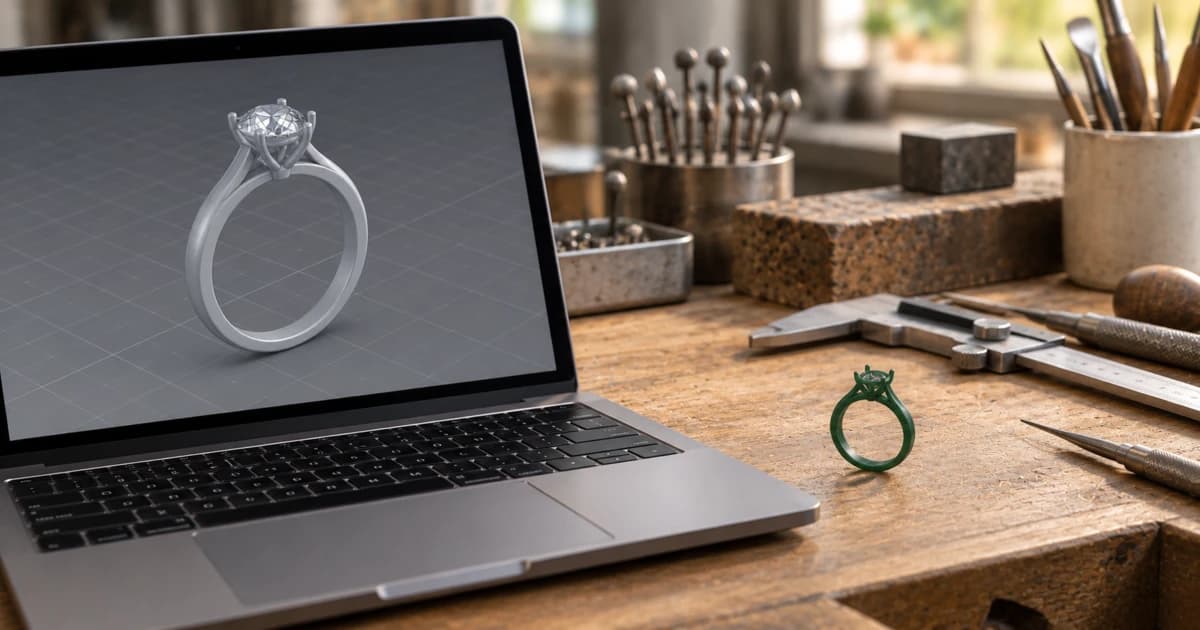
The free jewelry design software you can use for paid work is Blender, with the free JewelCraft add-on, and FreeCAD. Fusion's personal version, Onshape Free and SketchUp Free cost nothing too, but their makers' terms allow non-commercial use only. Rhino, MatrixGold and 3Design offer trials, and each one ends.
That split matters more than which tool is "easiest". If you design rings to sell, you need three answers before you start: may I sell what I make, will it export a file my caster takes, and does the free period run out? The "best free" lists we read mostly skip them. The table below answers them from each maker's own pages, read on 15 October 2026.
What free allows, tool by tool
"Commercial use" here means what the maker's terms say about using the tool for paid work. "Caster file" means STL, which both casters quoted further down accept.
Tool | Free for paid work? | Exports a caster file? | Time limit | The catch |
|---|---|---|---|---|
Blender + JewelCraft add-on | Yes. "Blender can be used commercially"; JewelCraft is GPL-3.0 | STL | None listed | No jewelry tools in Blender itself; JewelCraft adds them |
FreeCAD | Yes. Open source (LGPL-2.1); your files are "truly yours, forever" | STEP, IGES, STL, OBJ | None listed | No jewelry tools listed on its pages |
Fusion for personal use (Autodesk) | No. "Personal, non-commercial projects only", under US$1,000 a year | "Limited import/export file types" | Not listed | Full Fusion is US$680 a year or US$85 a month |
Onshape Free | No. "For non-commercial use only" | Not checked | Not listed | "All Onshape Documents are accessible to the public" |
SketchUp Free (Trimble) | No. Trimble's terms: free versions for "non-commercial purposes" | STL | Not listed | The SketchUp Free page itself doesn't mention the limit |
Tinkercad (Autodesk) | Not confirmed: we couldn't read Autodesk's Tinkercad terms | Not confirmed | Not listed | Free use is "subject to" its Terms of Service |
Rhino 8 trial (McNeel) | Trial | STL, STEP and more | 90 days | After 90 days, no saving and no plug-ins without a license |
MatrixGold trial (Gemvision) | Trial | STL, 3DM, OBJ | 15 days | Qualified users, select regions; needs Rhino |
3Design V13 trial (Gravotech) | Trial | Not listed on the trial page | 30 days | The trial page lists no limits; ask before a paid job |
Two things stand out. Of the free programs we checked, only two are clearly fine for selling work, and neither was built for jewelry. And Fusion and SketchUp, which free lists often suggest to beginners and hobbyists, have terms that rule out selling.
Free for paid work: Blender with JewelCraft, and FreeCAD
Blender is free under the GNU General Public License. Its license page says it "can be used commercially". It also says "What you create with Blender is your sole property." It runs on Windows, macOS and Linux, and it exports STL, which the manual calls useful "for CAD software" and for 3D printing.
Blender on its own has no jewelry tools. That gap is what JewelCraft fills. It's a free add-on, licensed GPL-3.0, and its repository lists what it does:
creates and customizes gems, prongs and cutters
manages the distances between gems for a compact setting
calculates weight "in a variety of precious alloys"
makes a color-coded gem map
presents summary information about the design
Of the free tools we checked, that's the closest to a jewelry CAD program: gems, prongs, metal weight and a stone map, with no license fee and no ban on selling.
FreeCAD is the other free option you may use for paid work. It's "an open-source parametric 3D modeler", licensed LGPL-2.1, and its features page says the files you make with it "are truly yours, forever." Parametric means the model is driven by dimensions you can change later. It imports and exports STEP, IGES, OBJ and STL, so a caster can take its files. Its own pages list no jewelry tools, so gem seats and ring sizes are built by hand.
Free only if you don't sell: Fusion, Onshape and SketchUp
These three are capable programs, and their free versions cost nothing. But each maker's terms rule out commercial work.
Fusion for personal use. Autodesk's comparison page says it's "For personal, non-commercial projects only", for individuals earning "less than $1,000 USD annually", and it has "limited import/export file types". Some lists still repeat older Fusion terms; Autodesk's own page is the one to trust. If you sell jewelry, Fusion's paid version is US$680 a year.
Onshape Free. The pricing page says "For non-commercial use only", and every free document is public: "All Onshape Documents are accessible to the public." So anything you model on the free plan is public. The cheapest paid plan, Standard, is US$1,500 per user per year.
SketchUp Free. It runs in the browser and exports STL, according to the SketchUp Free page. That page doesn't mention a commercial limit, but Trimble's Offering Terms do: free versions may be used only "in a non-production environment and for non-commercial purposes", unless Trimble says otherwise.
Tinkercad is Autodesk's "free web app for 3D design, electronics, and coding", and free use "is subject to acceptance of and compliance with the Terms of Service". Autodesk's Tinkercad terms didn't open for us, so we can't tell you what they say about selling. Read them before you use it for paid work.
These tools are still fine for learning. Model your first rings in them, and switch before the first paid job.
Trials of paid jewelry CAD, and when the clock runs out
A trial is the only way to use real jewelry CAD for free, and every one of them ends.
Rhino 8, 90 days. McNeel's evaluation is the full program, with "every command, no limits". After 90 days you can "keep exploring Rhino, but you'll need a license to save files or run plug-ins." So once the 90 days are up, a design still in Rhino can't be saved until you buy.
3Design V13, 30 days. Gravotech's trial page offers "TRY 3DESIGN FOR FREE – 30 Days". It doesn't list what the trial can't do, so ask before you use it for a client's piece.
MatrixGold, 15 days. Gemvision says qualified users can request a 15-day trial, in select regions only. MatrixGold also needs a Rhino license.
Plan a trial around a real project: have the design ready to model on day one, and export STL before the trial ends. When you're ready to buy, our comparison of paid jewelry design software has the prices, platforms and file formats from each maker.
AI jewelry design software: check the license on the free plan
AI jewelry design software turns a text prompt or a sketch into a picture or a 3D model. On a free plan, the question is the same as for any other tool: what may you do with the result?
The answer depends on the tool, so read its terms. As one example, Meshy, a general text-to-3D generator, says on its pricing page that free-plan outputs get a "CC BY 4.0 license (commercial use with attribution)" rather than ownership. Free users may sell the models, and Meshy asks them to credit the tool on the sales page. STL is among its download formats, and the free plan has a small monthly allowance.
So a model from Meshy's free plan can be sold if you credit Meshy, but it isn't yours outright. Treat it as a starting shape: check the ring size, the stone seats and the wall thickness yourself before a caster sees it.
After the design: weight, stones and photos without paying
A free design tool gets you as far as an STL file, and casters ask for one. Stuller's CAD/CAM service says "STL files are accepted", and Cooksongold asks you to "export the model to a high resolution stl". Before it goes, you'll want the metal weight, the stone sizes and a check for thin spots. Our casting checklist for jewelry CAD files lists what to check.
Culet Studio does that step free. It opens STL, STEP, IGES, OBJ, FBX, PLY, GLB/glTF and Rhino .3dm files, so files from Blender, FreeCAD, Rhino or MatrixGold open. It shows the weight in 10 alloys, every stone with an estimated carat, the ring size for rings, and automatic casting checks. It also renders product photos with no watermark, in any metal. Files are read and measured in your browser, and a file is stored on our servers only when you save it to your Drive, share it by link, or export a live 3D or 360° view. The file formats section of the docs has the details, and the features page explains how big files open.
Culet Studio is ours, so weigh that. It's free for everyone, with no usage limits, and in return product pages that use its images carry one credit line. It doesn't model or edit anything: you still design and fix the piece in Blender, FreeCAD or your CAD program.
Which free route fits your work
Your situation | Free route | Why |
|---|---|---|
You sell your work and want gem tools | Blender + JewelCraft | Free for commercial use; gems, prongs, alloy weight and a gem map; exports STL |
You sell your work and need exact, dimension-driven parts | FreeCAD | Parametric; open source; exports STEP and STL; no jewelry tools |
You're learning and won't sell yet | Fusion personal, Onshape Free or SketchUp Free | Free, but non-commercial; Onshape makes your designs public |
You want to try the CAD programs the trade buys | Rhino (90 days), 3Design (30), MatrixGold (15) | Real jewelry CAD; plan the trial around one project and export before it ends |
You want a quick starting shape from a prompt | An AI generator, after reading its license | Free plans may require credit and give a license, not ownership |
You've finished a model and need weight, stones or photos | Culet Studio | Free with credit; opens STL, STEP, OBJ and .3dm files |
If you'll sell what you design, start with Blender and JewelCraft, or FreeCAD, and keep the trials for when you're ready to buy. Then open your exported file in Culet Studio to check its weight, stones and casting risks before it goes to the caster.
Related Articles
View All Blogs
October 27, 2026
Jewelry Design Software Compared: Rhino, MatrixGold, 3Design and More
Rhino, MatrixGold, 3Design, ZBrush, Blender and Fusion compared from each maker's own site: price, platforms, file formats, jewelry tools, and what your caster needs.
October 20, 2026
Jewelry CAD Checklist Before Casting: Minimum Thickness, Prongs and Clearances
Eight checks for a ring CAD file before it goes to print and cast, with three casting suppliers' published minimums side by side and how to check each in Rhino.
October 15, 2026
STL File Viewer Online: Free Tools for Jewelers, and Which Upload Your File
Free STL viewers compared from their own pages: which keep a client's design in your browser, which measure it, and the checks a jewelry STL needs once it's open.